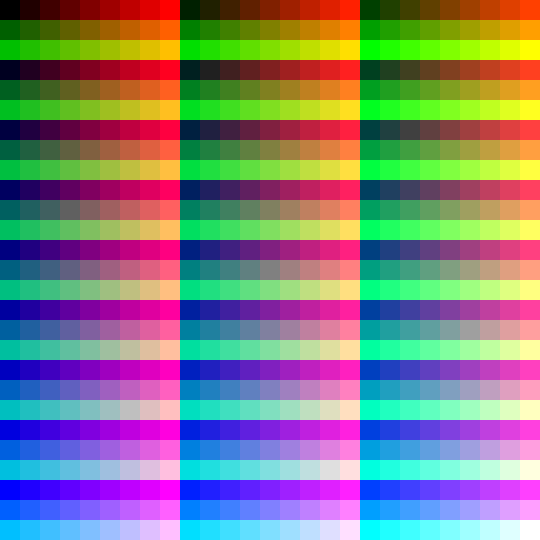
Step 1
Generate a HALD
One click, choose a destination folder. LUT Generator writes a neutral HALD image ready to be graded.
Generate a HALD image, grade it in Lightroom, Camera Raw, Capture One or any photo editor, then convert it back into a .CUBE or .3DL LUT for your videos. A native app for macOS and Windows.
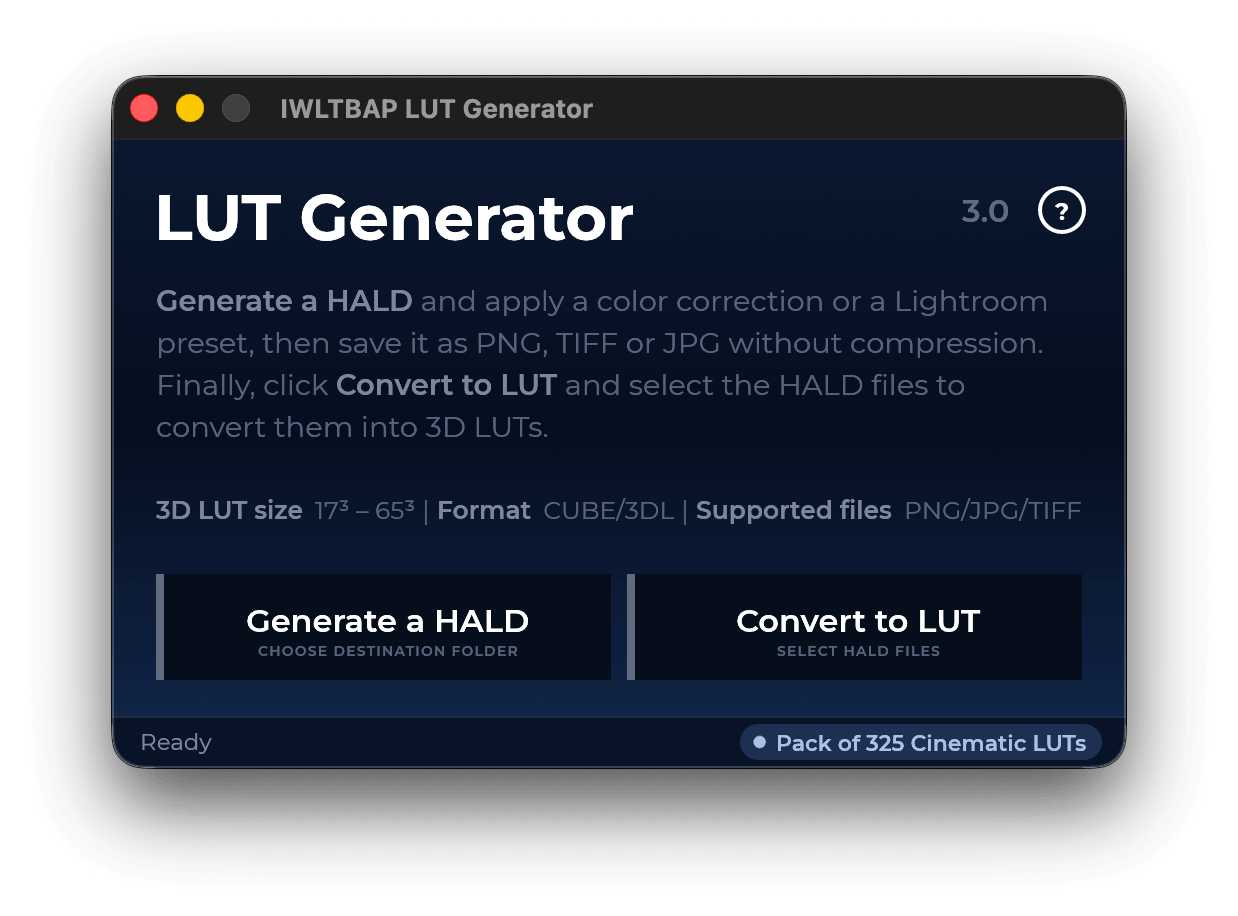
A HALD is an image that holds every color of a 3D LUT. Whatever your photo editor does to it, LUT Generator reads back and writes as a LUT you can drop on any clip.
One click, choose a destination folder. LUT Generator writes a neutral HALD image ready to be graded.
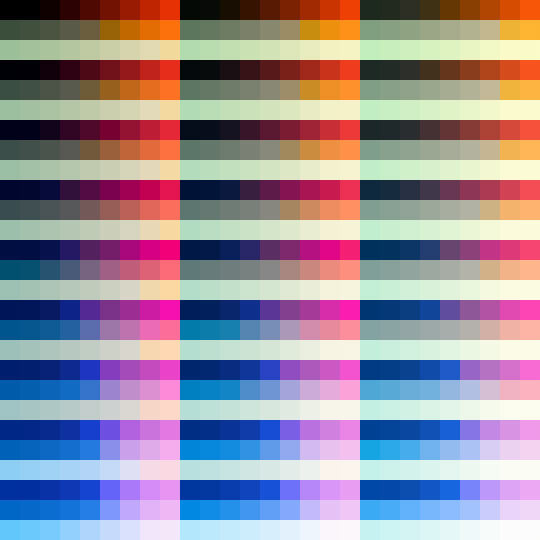
Apply a Lightroom preset, a Capture One style, Camera Raw or your own curves. Save as PNG, TIFF or JPG, without compression.
Select your graded HALDs, pick a format and a size. You get a 3D LUT that reproduces the look on photos and video.
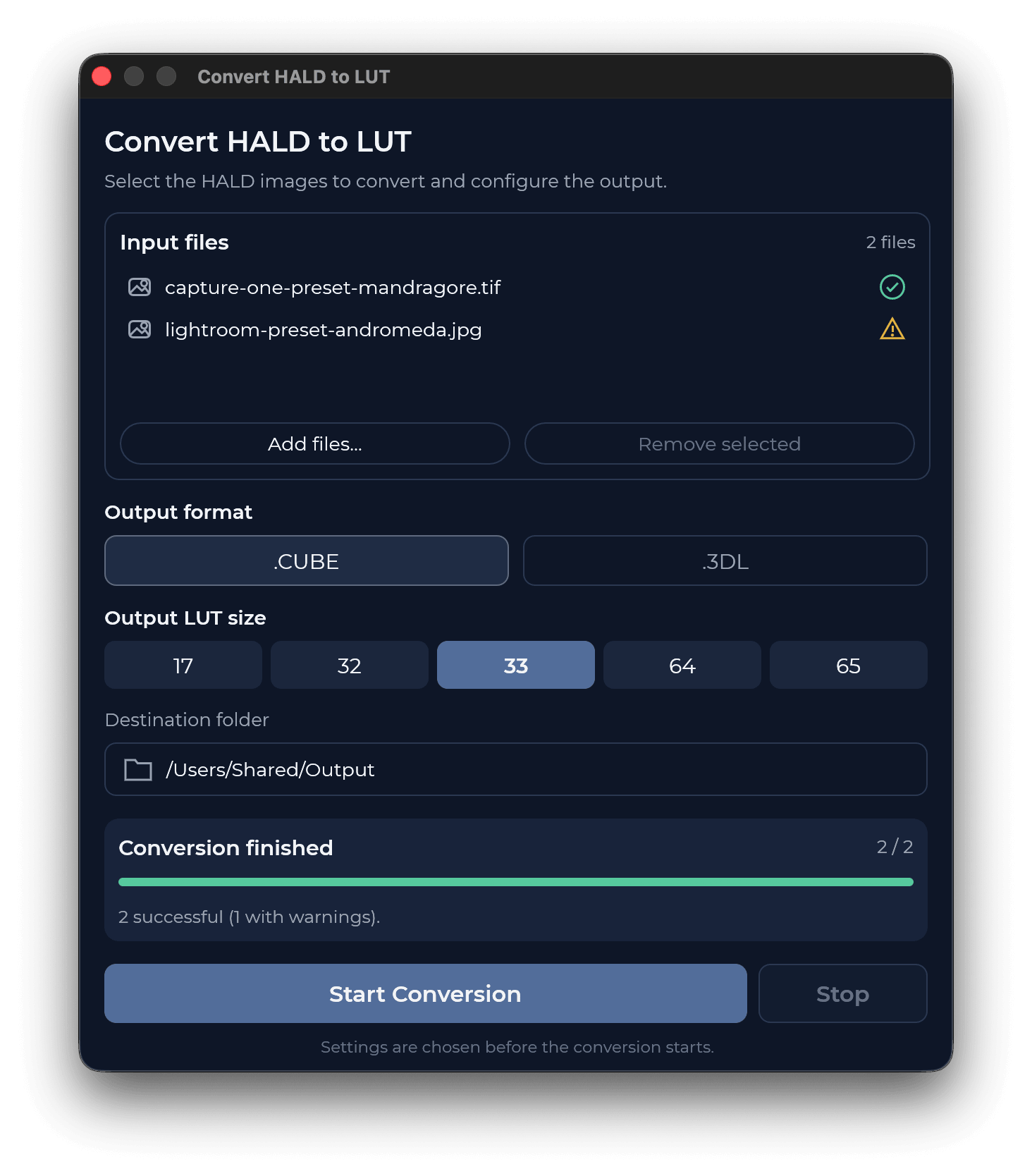
Drop in as many HALDs as you like, choose the output once, and let the batch run.
Each HALD is validated as you add it. A warning flags files that may give a degraded LUT, such as compressed JPGs, before you waste a render.
33³ is the everyday standard, 65³ for maximum precision, 17³ for monitors and cameras, 32³ and 64³ for apps that ask for them.
The two formats read by virtually every editing, grading and compositing app.
Pick a destination folder, watch each file go through, cancel at any moment.
Turn your favourite presets and Camera Raw adjustments into LUTs for Premiere, Resolve or Final Cut.
Watch the tutorialLove the color filters of a photo app with no video support? Capture them in a HALD and take them to your timeline.
Watch the tutorialBuild the conversion LUT that suits your camera profile and your taste, instead of a generic one.
Watch the tutorialShot a scene with two different bodies? Create a LUT that brings one camera's colors to the other.
Watch the tutorialA LUT only maps colors. Effects that depend on position or texture would corrupt it.
LUT Generator creates the LUT. LUTs Previewer shows what it really does on your footage and fixes it. The Cinematic pack gives you 325+ looks to start from.
Want every pack? Cinematic, GoPro & Drones and Psychedelia together for $39 instead of $60.
Get the bundle →LUT Generator is free to download. If it saves you hours, name your price: it keeps the app updated and independent.
Yes. Enter $0 on Sellfy and download. Paying any amount you like supports the developer :-)
Any app that opens and exports PNG, TIFF or JPG: Lightroom, Photoshop, Capture One, Affinity Photo, Pixelmator and more.
Compression alters the HALD's colors and can introduce artifacts in the LUT. Export PNG or 16-bit TIFF for the cleanest result.
33³ fits nearly every app. Choose 65³ for maximum precision and 17³ for monitors or cameras that need small LUTs.
Open it in LUTs Previewer to see it on your own footage with scopes, and repair it if needed.
Write to contact@iwltbap.com. Replies usually come within 6 hours, 12 at most. See also the FAQ.